The Exact Equipment I Use to Create UGC Content Every Day
One of the questions I get asked most often by aspiring creators is:
"What equipment do I actually need to get started with UGC?"
The good news? You probably need a lot less than you think.
Over the years, I've worked with more than 200 brands, created over 1,000 pieces of content, and filmed everywhere from my kitchen counter to major brand activations and trade show floors. Along the way, I've tested a lot of equipment—some worth the investment, and some that ended up collecting dust in a closet.
This creator kit includes the tools I genuinely use and recommend. Whether you're just getting started or looking to upgrade your setup, these are the items that have consistently helped me create professional, high-performing content.
Disclosure: This post contains affiliate links. If you choose to purchase through these links, I may earn a small commission at no additional cost to you. I only recommend products I personally use and love.
If I Were Starting Over Today...
Before we dive into the full list, here's what I'd buy if I had to rebuild my creator kit from scratch:
✓ Smartphone with a quality camera
✓ Tripod & Suction Mount
✓ External iPhone light or natural lighting setup
✓ Bluetooth microphone
✓ Basic set design materials
✓Apps: Edits, CapCut, Canva
That's it.
You do not need a professional camera.
You do not need a dedicated studio.
You do not need thousands of dollars in equipment to land brand deals.
Start simple and upgrade as you grow.
1. My Camera: The Tool I Use Most
iPhone
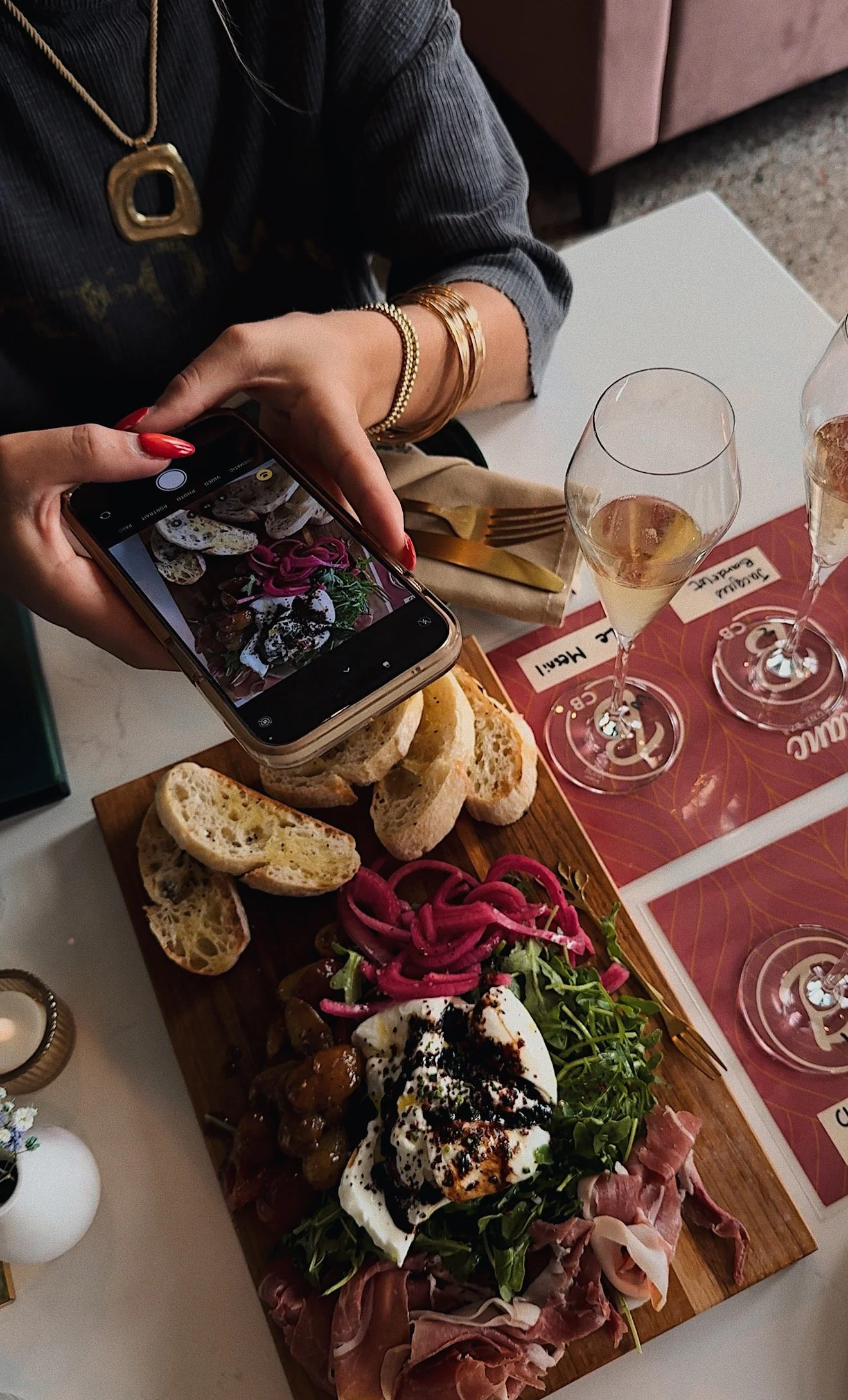
If I'm being honest, most of my content is filmed on my iPhone.
Brands aren't looking for cinematic commercials. They're looking for authentic content that feels native to social media platforms.
Why I love it:
Always with me
Incredible camera quality
Easy editing workflow
Matches the look and feel brands want
I have an iPhone subscription through Apple’s iPhone Upgrade Program, so that I can upgrade to the latest iPhone each year. As of the time of writing this, I pay around $70 / month for it.
If I don’t have my phone, I can’t create content. So, the cost has been worth it for me.
I actually have two iPhones. I mostly use my iPhone 17, but also have an iPhone 14 pro max that helps when I need multiple shots or behind the scenes content. Not a requirement, but it’s been a life saver in these scenarios.
You can read more about it here → iPhone Upgrade Program
My Advice:
The best camera is the one you already have. Don't wait to upgrade before you start creating.
2. The Tripod & Mount I Use Daily
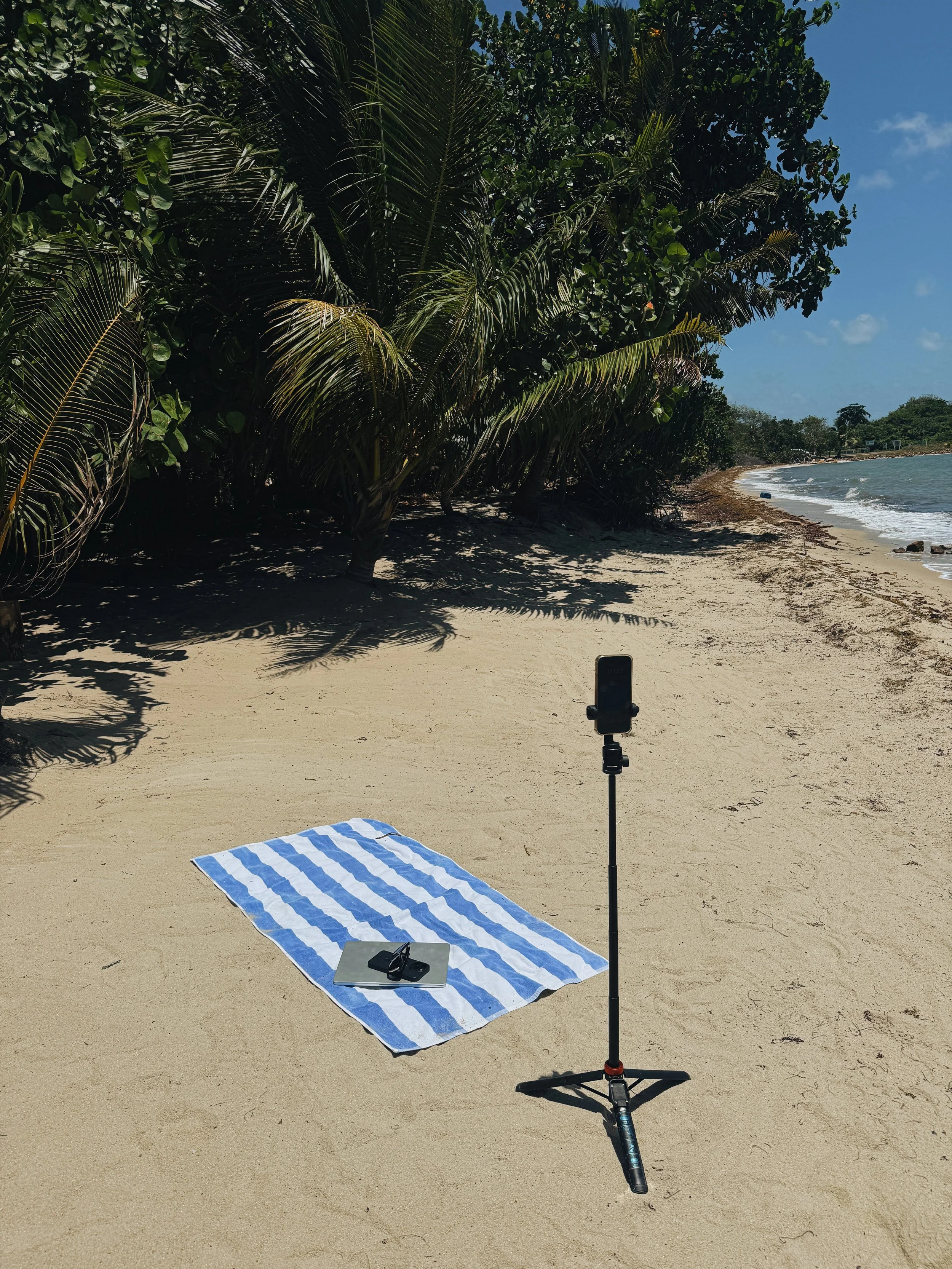
Adjustable Phone Tripod
I use this on nearly every shoot.
It allows me to capture talking-head content, product demonstrations, overhead shots, and lifestyle moments without needing someone behind the camera. I’ve tried 5 different tripod setups and always seem to come back to this one.
Why I love it:
Lightweight
Portable
Adjustable height
Easy setup
Shop it here → [EUCOS 62" Phone Tripod]
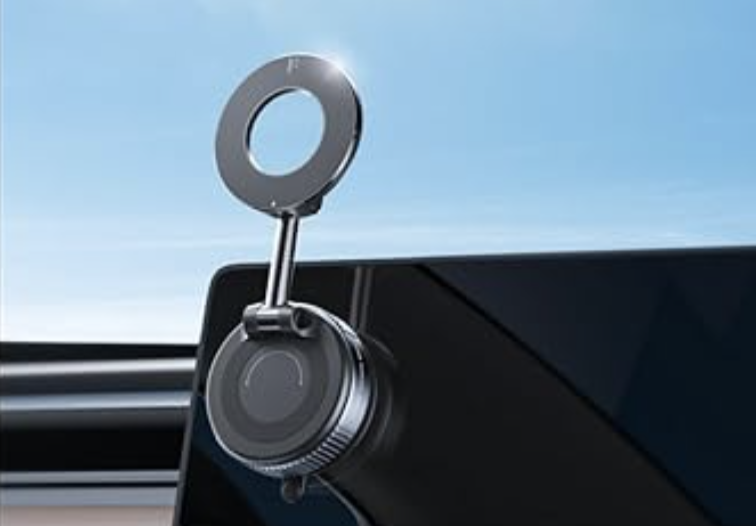
Magnetic Phone Mount
If I’m not shooting on my tripod, I’m using this mount. The screw and stick suction mount sticks to anything, making it perfect to place the window with the best sunlight in the house. My best talking-head and full body feature content are always in natural light!
Why I love it:
Twist and stick suction mount
Portable
360 degree angles
Easy setup
Shop it here → [2026 Upgraded Vacuum Magnetic Car Phone Holder]
3. My Favorite Lighting Setup
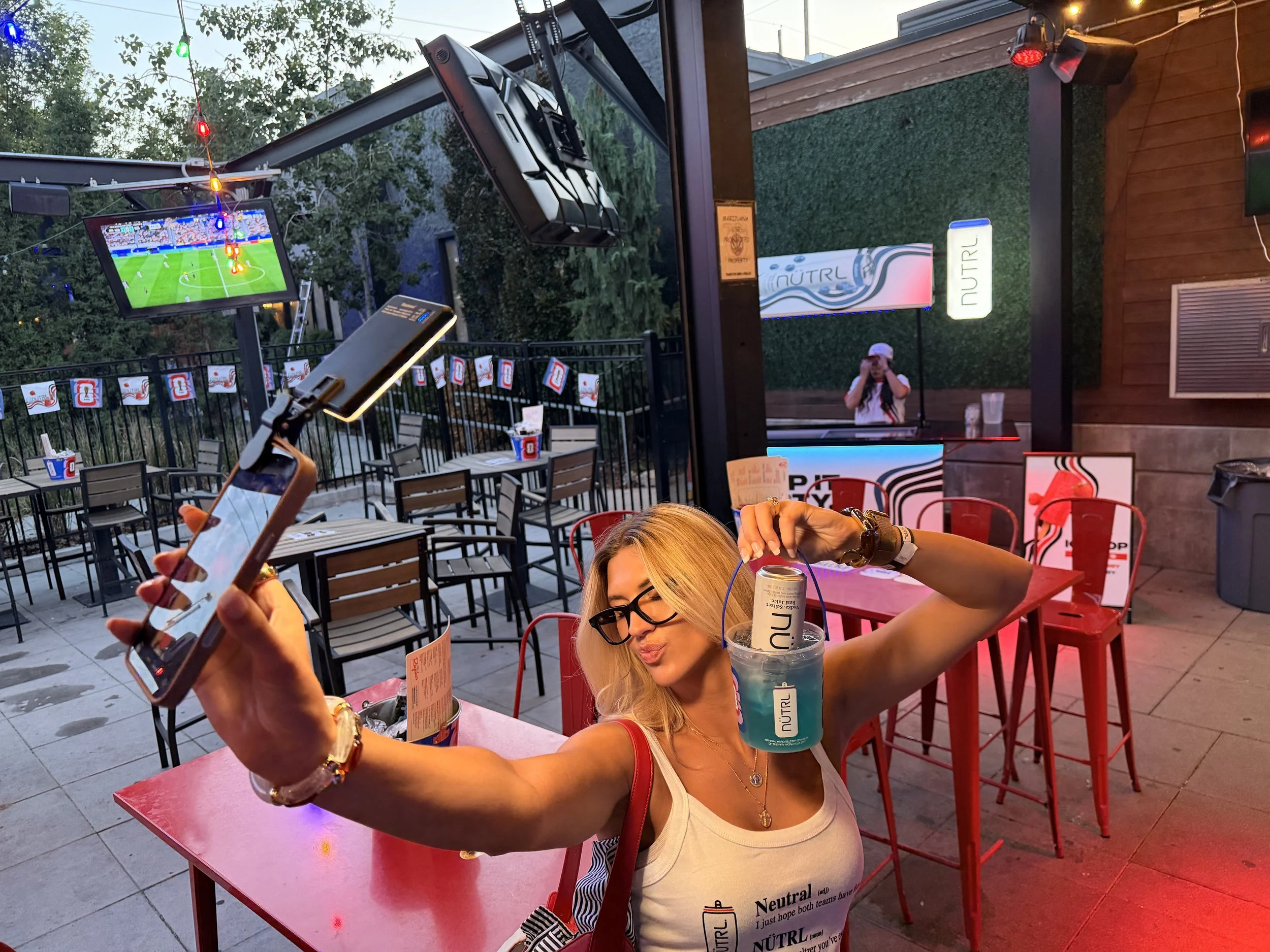
Selfie Light
Good lighting is a nonnegotiable for your content.
I primarily rely on natural light, but when I'm filming early mornings, evenings, or during gloomy weather, this light saves the day.
Why I love it:
Soft, flattering light
Adjustable brightness
Consistent results
Shop it here → [NEEWER Basics LED Selfie Phone Light]
Natural Light
My favorite "equipment" is actually free.
Whenever possible, I film near large windows using indirect sunlight.
It creates beautiful, natural-looking content that brands love.
4. The Microphone I Recommend
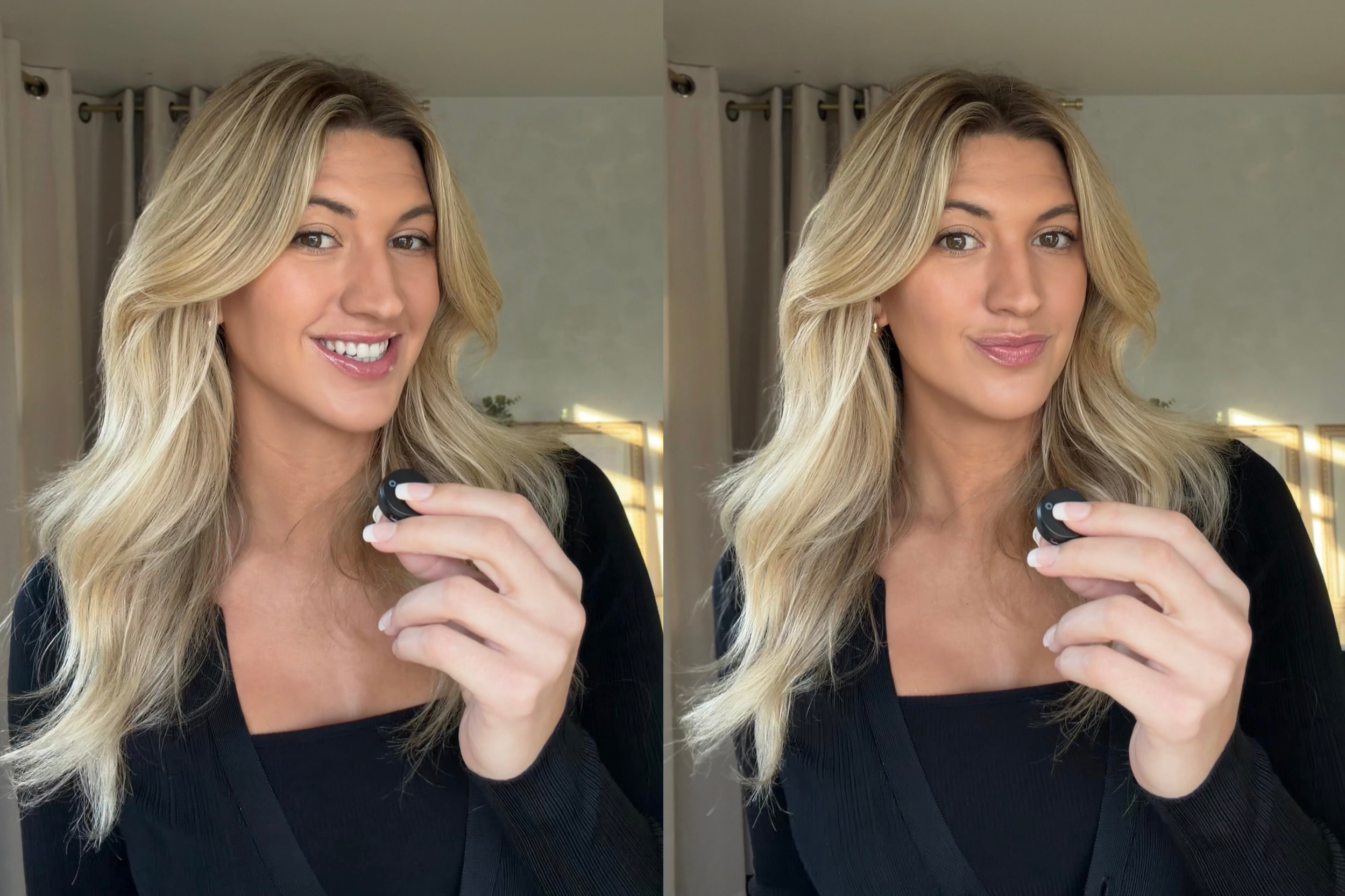
Bluetooth Lavalier Microphone
Clear audio matters.
Some of my beginner videos are beautifully shot, but are unusable because my audio is a mess, and comes off as unprofessional.
I use a wireless microphone whenever I'm filming:
Tutorials
Talking-head videos
Voice-driven content
Outdoor shoots
Why I love it:
Easy setup
Crisp sound quality
Portable
I’ve gone through several of the cheaper bluetooth microphones, and they all ended up broken. Eventually, I purchased the higher quality microphone. I love it, and it lasts!
I wish I had just purchased this one from the start.
Shop it here → [MAONO Wireless Lavalier Microphone]
5. My Apps
Edits
I used to struggle remembering all of my lines. I would waste so much time messing up lines, and starting over.
Now I use Edits as a teleprompter. It shows me my lines while I’m filming a take. It’s saved me so much time!
You can also use the teleprompter feature on CapCut, but I find Edits records in a higher quality.
Download it here → [Edits: Video Editor]
CapCut
If I had to choose one editing tool, it would be CapCut. It's beginner-friendly while still offering enough flexibility for more advanced creators.
I use it for:
Captions
Text overlays
Transitions
Timing adjustments
Audio edits
The free version can take you surprisingly far, but if oyu can swing it, the Pro is worth it solely for the exporting quality.
Download it here → [CapCut: Photo & Video Editor]
CANVA
Canva is a must if you're building an extended portfolio. While many people think of it as a graphic design tool, I use it constantly behind the scenes to run my creator business.
I use Canva to build portfolios, create media kits, design pitch decks, organize work examples, and occasionally edit UGC photos and videos. It's surprisingly capable for all things content.
I still prefer CapCut/Edits for editing on my phone, but Canva is my go-to desktop editor when I want a larger workspace and more flexibility.
Download it here → [Canva: AI Video & Photo Editor]
6. The Little Things That Make a Big Difference
These aren't absolutely necessary, but they've become staples in my workflow.
Portable Charger
Because your phone will die at the worst possible moment.
Shop it here → [Clutch Pro – World's Thinnest Portable Charger]
Extra Phone Storage
Video files add up quickly.
Shop it here → [Apple iCloud+]
Neutral Backdrop
Perfect for creating a clean, professional filming environment.
Shop it here → [5 PCS Boards Photo Backdrop]
Product Props
Simple additions like coffee mugs, books, blankets, flowers, and kitchen accessories can instantly elevate your content.
Brands love videos that feel lived-in and authentic.
What I DON'T Think You Need
Let's save you some money.
If you're just starting out, I don't think you need:
✗ A DSLR camera
✗ Expensive studio lighting
✗ Professional editing software
✗ A dedicated filming room
✗ Every trending gadget on TikTok
Focus on mastering the basics first.
The quality of your storytelling matters far more than the price tag of your equipment.
My Advice
I've seen creators with expensive setups struggle to connect with audiences, while others filming in their apartment with an iPhone consistently land repeat brand partnerships.
Authenticity beats perfection every time.
Building Your Creator Kit Over Time
You don't have to buy everything at once.
As your income grows, reinvest strategically.
Stage 1: Beginner
• Smartphone
• Tripod
• Phone light
• CapCut
Stage 2: Growing Creator
• Bluetooth microphone
• Portable charger
• Backdrop
Stage 3: Full-Time Creator
• Advanced lighting setup
• Additional props
• Home studio upgrades
• Backup equipment
Build your kit alongside your business.
Final Thoughts
The creator economy can feel intimidating when you scroll through videos showcasing elaborate setups and expensive equipment.
But here's what I've learned after years of working with brands:
The creators who succeed aren't necessarily the ones with the fanciest gear.
They're the ones who start and want to get better!
If you've been waiting for permission to begin, this is it.
Start with what you have.
And if you're looking for support along the way, Hey Platforms is here to help. Through creator opportunities, educational resources, networking events, and our creator community, we're passionate about helping creators build sustainable careers doing what they love.
Now go film that first video.
You might already have everything you need.
Want to join the Hey Platforms creator roster?
We'd love to meet you. Apply today and take the next step in your creator journey.